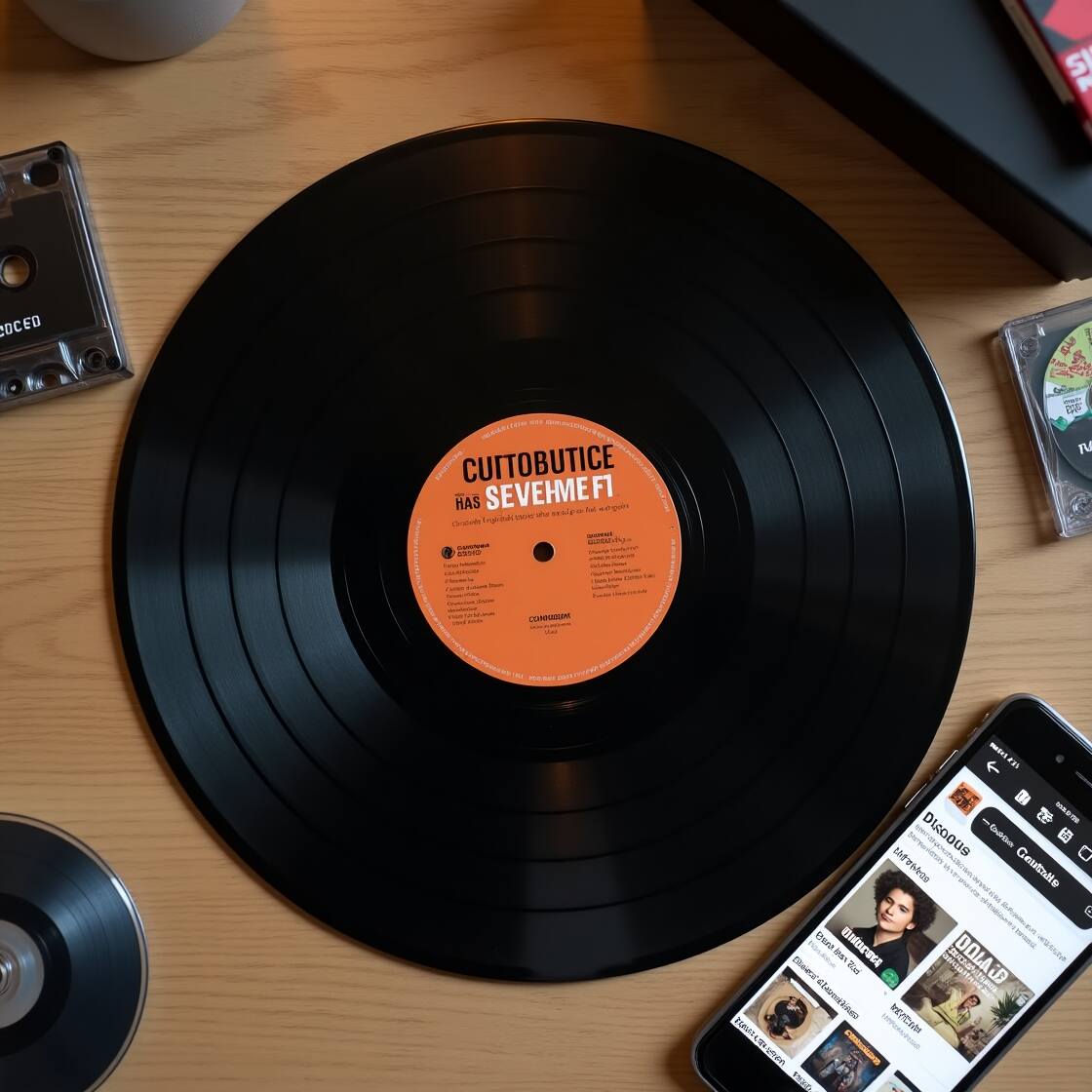
How to Use Discogs: Beginner Guide to Buying & Selling Music
If you love music—especially vinyl records—you’ve probably heard of Discogs. But if you’re wondering how to use Discogs, how it works, or what it’s really used for, you’re in the right place.
🎁 Quick-Start Checklist for Discogs Newbies
You can;
✅ Sign up for a free account
✅ Add 5–10 albums to your collection
✅ Set up your Wantlist
✅ Search for one rare record you’ve always wanted
✅ Try buying something affordable to test the Marketplace
🎧 What Is Discogs Used For?
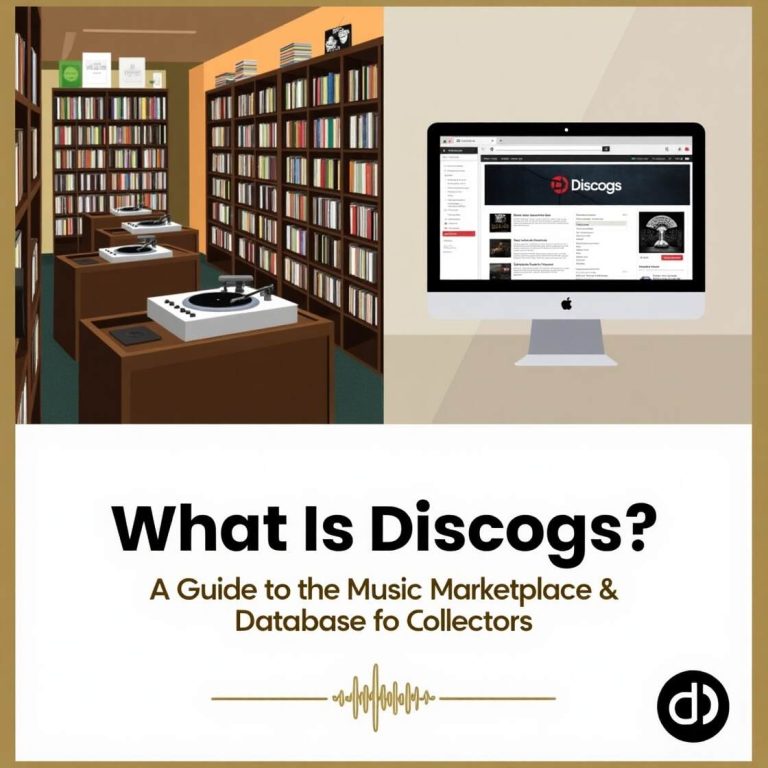
Discogs is an online platform made for music lovers, collectors, and sellers. People use it to:
- Catalog their music collection (vinyl, CDs, cassettes)
- Buy rare records from around the world
- Sell records to other music fans
- Look up music releases and discographies
Want to understand the meaning behind the word “Discog”? Check out our article explaining what “Discog” actually means.
🛠 How Does Discogs Work?
Discogs has two main parts:
1. The Database
This is a huge, user-created catalog of music. You can search for almost any release—by artist, album, label, or even catalog number.
2. The Marketplace
This is where people buy and sell records, CDs, and tapes. Each listing shows:
- Item condition (Mint, VG+, Good, etc.)
- Price
- Seller location and rating
- Shipping cost
You can also build a Wantlist of records you’re hunting for. Discogs will alert you when someone lists them for sale.
Still confused? This quick video shows exactly how the Discogs database and buying system work:
After watching, check out our beginner’s guide to discographies to deepen your music knowledge.
🧰 Key Features of Discogs (and How to Use Them)
| Feature | What It Does |
|---|---|
| Collection | Add items you own to keep track of your personal library |
| Wantlist | Save items you want to buy later |
| Marketplace | Buy and sell music formats (vinyl, CD, cassette) |
| Search Tool | Find exact versions using barcodes or catalog numbers |
| Grading Guide | Understand the condition of items using standard grading terms |
If you’re still curious about what a discography is and why it matters in music, this article explains it all.
📦 How to Start Using Discogs (Step-by-Step)
✅ 1. Create a Free Account
Go to Discogs.com and sign up. It’s completely free to use.
✅ 2. Explore the Database
Search for artists, albums, or labels. Each release has detailed info, including tracklists, photos, and pressing versions.
✅ 3. Add to Your Collection
Found an album you own? Click “Add to Collection”. You can even mark its condition (Mint, VG+, etc.).
✅ 4. Build Your Wantlist
If you’re looking for something specific, add it to your Wantlist. You’ll get notified when it’s available.
✅ 5. Buy or Sell
Want to buy? Browse the Marketplace and choose a seller with good feedback.
Want to sell? List your item, add grading, price, and wait for buyers.
🧼 Understanding Vinyl Grading (Condition Terms)
| Grade | What It Means |
|---|---|
| Mint (M) | Perfect, like new |
| Near Mint (NM) | Almost perfect, barely played |
| VG+ | Very good, minor signs of use |
| VG | Noticeable wear, but still playable |
| G / G+ | Heavy wear, only for die-hard fans |
🔄 Discogs vs eBay: Which Is Better?
| Feature | Discogs | eBay |
|---|---|---|
| Focus | Music only | All kinds of products |
| Seller Ratings | Yes, music-specific | Yes, general |
| Grading System | Standardized for music | Varies by seller |
| Pricing Transparency | Consistent and history shown | Less standardized |
❓ FAQ: Common Questions About Discogs
Is Discogs free to use?
Yes! Creating an account, browsing the database, and adding to your collection is 100% free. They only charge small fees if you sell something.
Can I sell CDs or cassettes on Discogs?
Absolutely. Discogs supports vinyl, CDs, tapes, and even digital media in some cases.
Do I need to be a collector to use Discogs?
Nope! Casual music fans, DJs, and sellers all use the platform.
How do I know what my record is worth?
Check the sales history on any release page to see recent prices by condition.
🚀 Final Tips to Get the Most from Discogs
- Use barcode scanning via the Discogs app to instantly add items.
- Look for sellers in your country to save on shipping.
- Read seller feedback before you buy.
- Use the advanced search filters (by format, year, label, etc.) to dig deep.
If you’re passionate about music, Discogs is one of the best tools to explore, organize, and grow your collection.